


Kurlax Motorized Blackout Cellular Skylight Shades – Dual Motor
Kurlax Motorized Blackout Cellular Skylight Shades – Dual Motor
🎉 10% Off 1 Shade · 12% Off 2 · 14% Off 3 · 16% Off 4 · 18% Off 5+
🛒 Add to Cart & Automatically Unlock Your Discount!
Get it between - and -.
Couldn't load pickup availability
- American express payment method
- Apple pay payment method
- Google pay payment method
- Master payment method
- Paypal payment method
- Shopify pay payment method
- Unionpay payment method
- Visa payment method

Kurlax Motorized Blackout Cellular Skylight Shades – Dual Motor

Production and Shipping

Production and Shipping
1. Production Time
Custom-made shades typically take 5–7 business days to produce.
2. Shipping Time
Orders are shipped via DHL or SF Express, with transit times typically taking 5–7 business days.
3. Total Delivery Time
From order placement to delivery, the entire process typically takes 10–14 business days, including production and shipping.
4. Expedited Service
Expedited production is available upon request and can reduce production time by approximately 1–2 business days.
Description
Description
How to effectively cover oversized skylights?
The Kurlax Extra Large Dual Motor Skylight Shades are precision-engineered for expansive overhead windows that standard single-motor systems cannot support. As the most robust option in our Motorized Skylight Shades Collection, this dual-motor system ensures smooth, synchronized operation for wide spans, providing blackout protection and structural integrity for large-scale residential and commercial spaces.
Key Technical Specifications for Large-Scale Windows:
-
Dual-Motor Synchronization: Equipped with two high-torque motors working in tandem to prevent fabric sagging and ensure perfectly balanced lifting for extra-wide or extra-long skylights.
-
Ultimate Light Blockage: The premium Blackout honeycomb fabric features an internal aluminum lining, eliminating 99% of light leakage and blocking 99% of UV rays.
-
Industrial-Grade Tension System: Utilizes a reinforced side-track tension mechanism to keep the fabric taut across massive openings, resisting gravity and preventing "belly" sagging.
-
Versatile Power Solutions:
-
Dual Hardwired Motors: Recommended for permanent, high-performance integration in large-scale architectural projects.
-
High-Capacity Dual Battery Motors: A wire-free, rechargeable alternative for retrofitting existing oversized skylights without complex wiring.
-
Dual Hardwired Motors: Recommended for permanent, high-performance integration in large-scale architectural projects.
- Advanced Smart Control: Fully compatible with Amazon Alexa and Google Assistant via the Tuya App and smart bridge. Manage your oversized shades with a single voice command or set automated schedules for synchronized movement.
Why Choose Kurlax Dual Motor Systems?
-
Commercial & Residential Ready: Ideal for glass ceilings in sunrooms, hotel lobbies, and modern open-concept homes.
-
Superior Thermal Shield: The extra-large cellular surface provides a massive thermal barrier, significantly reducing HVAC costs for large rooms.
-
Quiet Precision: Despite the dual-power setup, Kurlax motors operate at whisper-quiet levels. For measuring large spans and custom installations, please refer to our Motorized Skylight Shades Info Page.


-

Remote Control
-

Voice Control
-

App Control
-

Smart Scheduling


How to Measure
Accurate measurements are essential for a perfect fit. See our detailed measuring guide for step-by-step instructions.


How to Install & Program
Get your shade up and running in just 15–20 minutes. Our easy-to-follow Installation guide you through each step, so you can enjoy a clean, finished look without the hassle.
FAQs
1. Does the fabric color affect the blackout performance?
1. Does the fabric color affect the blackout performance?
No. The color of the fabric does not affect its blackout performance. Our blackout cellular fabric features an aluminum lining, which helps block incoming light regardless of the fabric color.
Please note: If you choose a white frame, you may notice some reflected light inside the frame groove, which can create small lines of light along the edges of the fabric. This does not significantly affect the overall darkness of the room.
If you are particularly sensitive to any visible edge light, we recommend choosing a dark gray frame, which can significantly reduce light reflection.
2. How many skylight shades can one remote control?
2. How many skylight shades can one remote control?
Our motorized skylight shades come with a 6-channel remote control. One remote can independently control up to 6 skylight shades, with each shade assigned to its own channel.
You can also assign multiple skylight shades to the same channel. This allows you to control dozens of shades simultaneously with a single channel.
3. Do I need to purchase a Smart Bridge?
3. Do I need to purchase a Smart Bridge?
You only need a Smart Bridge if you want to control your skylight shades through the Tuya Smart App or use voice control with Amazon Alexa or Google Assistant.
If you only plan to use the included remote control, you do not need a Smart Bridge.
4. Can one Smart Bridge control multiple skylight shades?
4. Can one Smart Bridge control multiple skylight shades?
Yes. One Smart Bridge can connect to multiple skylight shades, as long as they are within a suitable communication range.
The communication range works similarly to Wi-Fi: the greater the distance between the Smart Bridge and the motor, or the more walls and other obstacles between them, the weaker the signal may become.
Important: For our motorized skylight shades, when multiple shades are connected to the same Smart Bridge, they can only be controlled together as a group. They cannot be controlled independently through that single Smart Bridge.
If you want to control each skylight independently through the Tuya App or voice control, you will need a separate Smart Bridge for each skylight shade.
5. What can I do with the Smart Bridge?
5. What can I do with the Smart Bridge?
With the Smart Bridge, you can connect your skylight shades to the Tuya Smart App and control them from your smartphone.
You can also integrate Tuya with Amazon Alexa or Google Assistant for voice control.
6. Does the Smart Bridge work with Apple HomeKit or Matter?
6. Does the Smart Bridge work with Apple HomeKit or Matter?
Our motorized skylight shades do not currently support Apple HomeKit or Matter through the Smart Bridge.
The Smart Bridge supports Tuya Smart, Amazon Alexa, and Google Assistant.
Please note: Matter support available for some of our motorized roller and zebra shades does not apply to our motorized skylight shades.
7. Do I need the Smart Bridge if I only want to use the remote?
7. Do I need the Smart Bridge if I only want to use the remote?
No. If you only plan to use the included remote control, you do not need a Smart Bridge.
8. How long does the rechargeable motor run on one charge?
8. How long does the rechargeable motor run on one charge?
The rechargeable battery motor typically operates for 4–6 months per charge, depending on the shade size and frequency of use.
Actual battery life may vary depending on your installation and usage.
9. How do I know when the motor battery is low?
9. How do I know when the motor battery is low?
The current system does not provide a battery percentage display.
When you notice that the shade is moving more slowly, operating intermittently, or struggling to move, it is time to recharge the motor.
10. Can I manually open or close the motorized skylight shade?
10. Can I manually open or close the motorized skylight shade?
No. Our motorized skylight shades are designed for motorized operation and do not have a manual pull mechanism.
11. Can I install the shade in an opening that is not perfectly square?
11. Can I install the shade in an opening that is not perfectly square?
Yes. A slightly uneven or out-of-square opening is acceptable. Please use the smallest measurements when ordering and ensure the shade is installed square. Small gaps between the side tracks and the frame can be sealed with foam tape to minimize light leakage.
Motorized skylight shades praised for excellent blackout and light-filtering capabilities. Customers said installation is "easy to install" with helpful video guides, though some found motor setup tricky. Solar-powered and remote control options highly valued. Quiet motors and heat reduction appreciated. Some sizing inconsistencies reported, and instructions could be clearer.
- We love it we use it every day. I love the solar panel that charges the battery.
- Easy to install and really helped improve our ability to keep heat out.
- The motor is super quiet, and the cellular design really helps with insulation.
Great - installation was tricky at first -
But I was over thinking it . Put together first before installing and it will make sense.
Great product
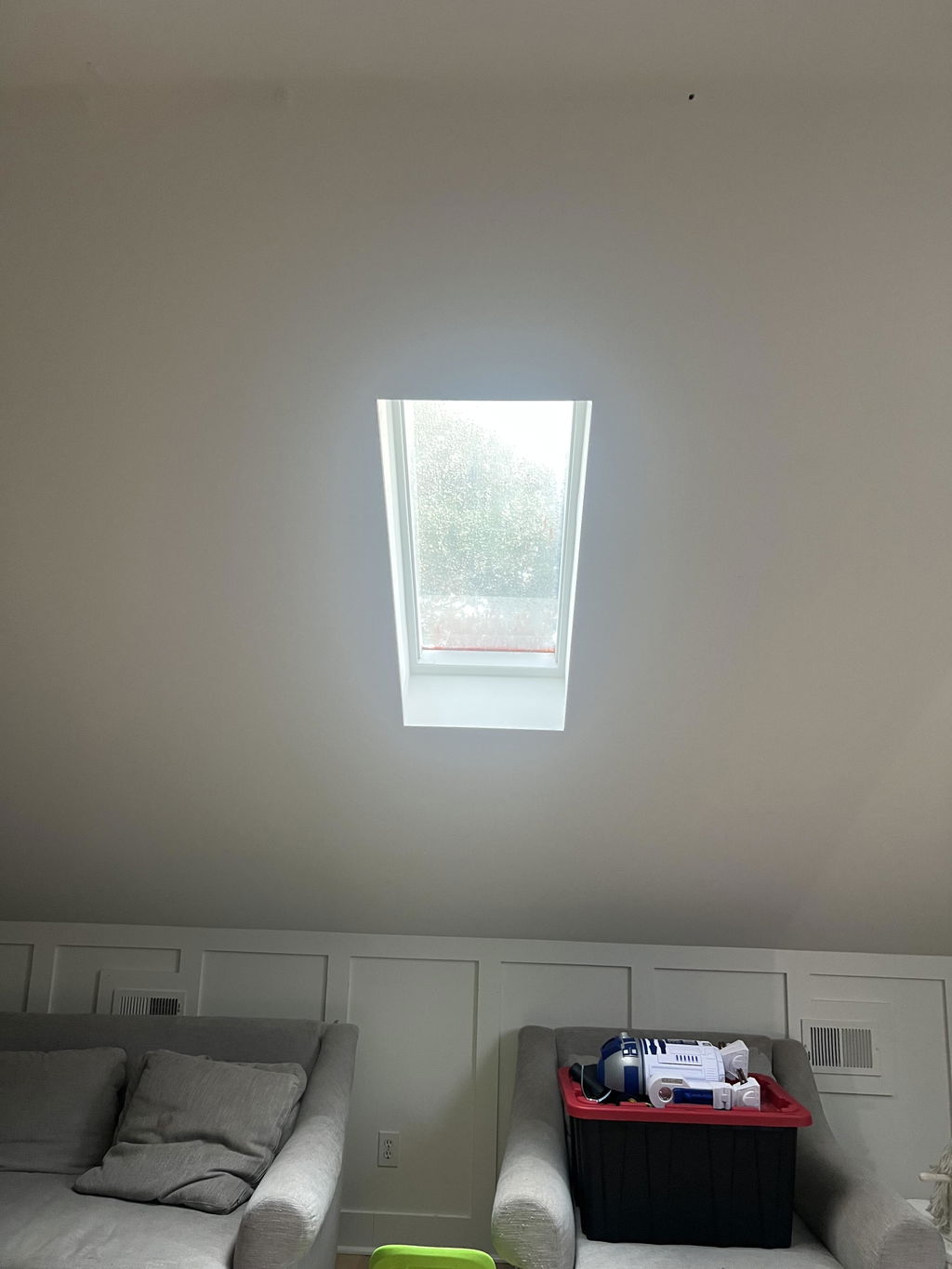
Thank you so much for your wonderful feedback! We're glad to hear that you got the installation figured out and are enjoying your new blinds. Your helpful tip about assembling everything before installation will be valuable to other customers as well. We truly appreciate your support and hope you continue to enjoy your Kurlax blinds!
Really impressed with these blinds. We chose the solar-powered option, and the light-filtering fabric works well in our kitchen, reducing heat while still letting in plenty of natural light.
The video instructions were very helpful, although installing the motor was tricky with our narrow blind. We followed a suggestion to assemble it first, which made things easier but was still a little fiddly as the frame isn’t fixed together.
Our measurements ended up being slightly off, so we added side panels to finish the installation neatly.
Overall, for two people with no previous blind-installation experience, it wasn’t too difficult. We’re very happy with the result.
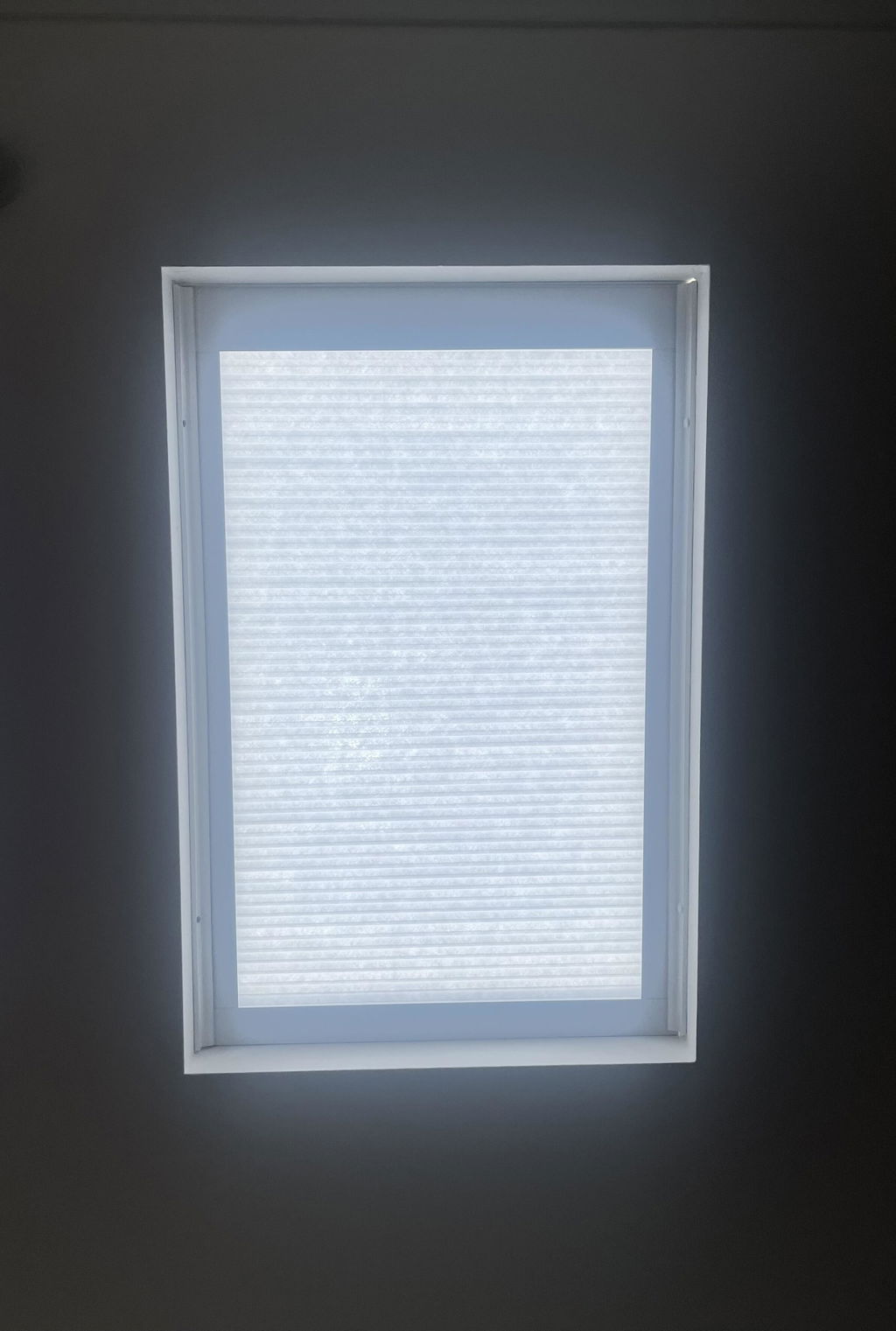
Thank you so much for sharing your experience! We’re delighted to hear that you’re happy with the blinds and that the solar-powered option and light-filtering fabric are working well in your kitchen.
We also appreciate your feedback on the installation process. We’re glad the video instructions and pre-assembly suggestion helped make things easier, especially with a narrower blind.
Thank you again for choosing Kurlax and for your thoughtful feedback. We truly appreciate your support!
Excellent product. Instructions were good. Could use a bit more explanation of importance of keeping strings tight during installation
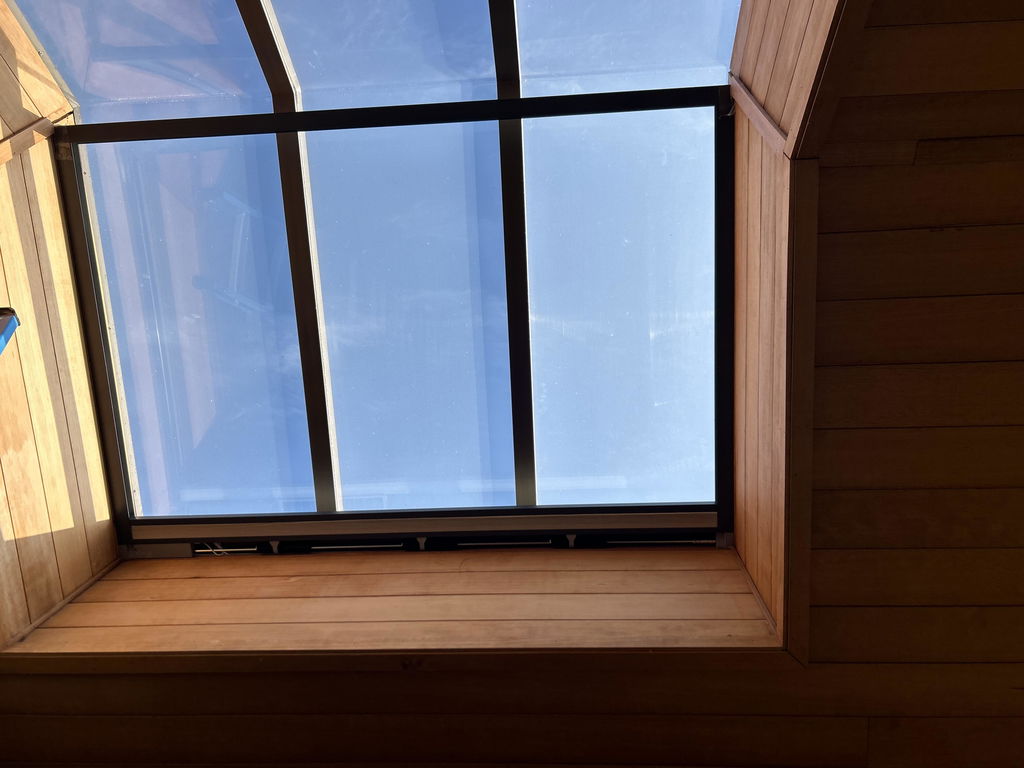
Thank you for your kind feedback! We’re glad to hear you’re happy with the product and found the instructions helpful. We also appreciate your suggestion about emphasizing the importance of keeping the strings tight during installation. We’ll take this into consideration as we continue improving our installation instructions. Thank you again for choosing Kurlax!
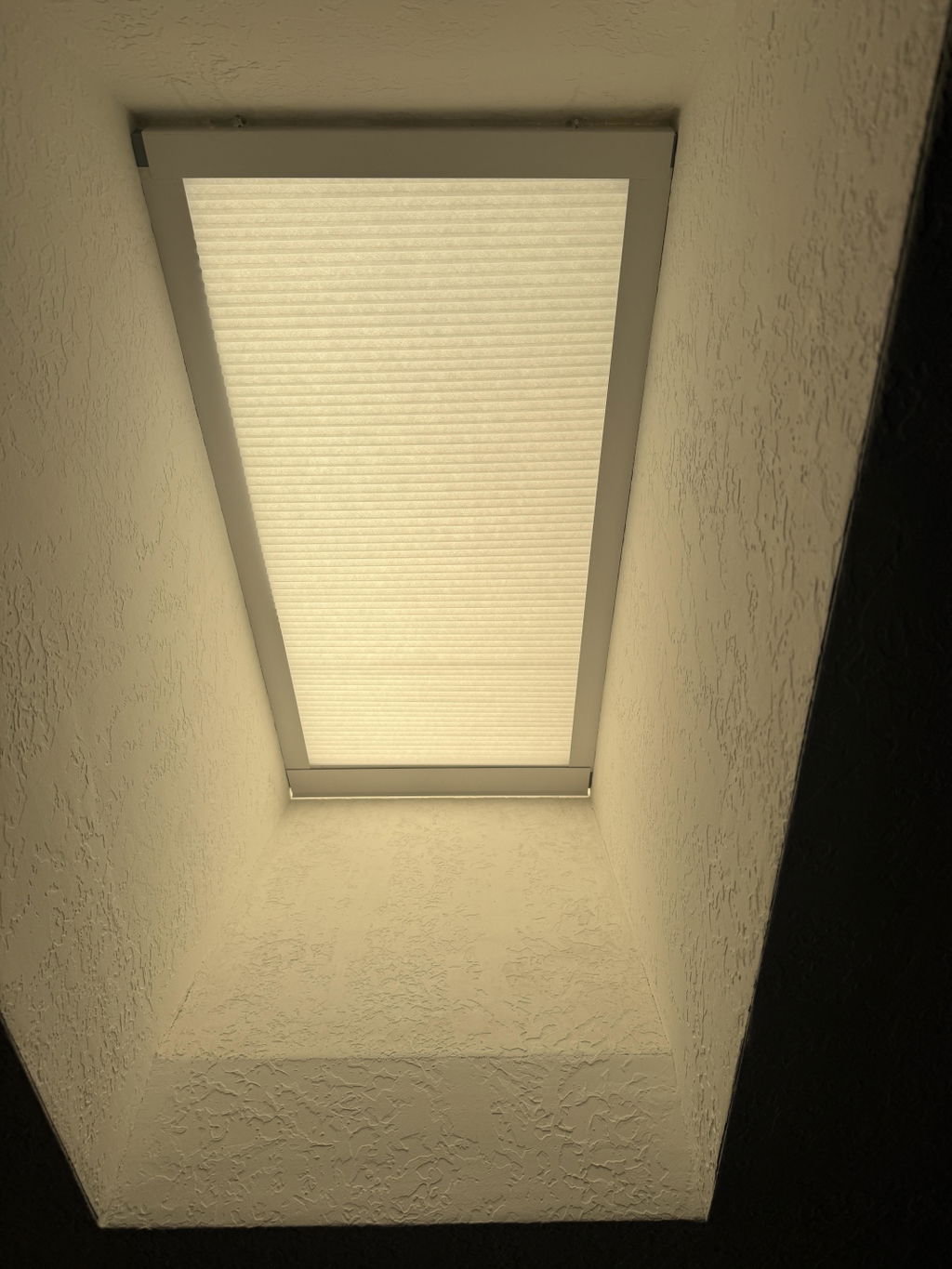
After some looking, Kurlax had the best price for a sky light I wanted covered with a motorized shade. The customer service was great during my measuring process. i was nervous because my skylight was recessed into the ceiling and has several awkward angles. they wrote back with suggestions and clearly having studied the pictures I sent with notes. They were right. The install was easy and because of the design of their unit, The weird angles were not an issue.
Easy to follow video on youtube for checking during install. Very satisfied with purchase.
Thank you so much for your wonderful review!
We’re especially glad we could help you through the measuring process and provide suggestions based on the photos you shared. We understand that a recessed skylight with several unusual angles can make the process a little nerve-racking, so it’s great to hear that our recommendations helped and that the installation went smoothly.
We’re also happy that you found our installation video helpful. Thank you for choosing Kurlax and for taking the time to share your experience. We truly appreciate your support!
These blinds were easy to install and really helped improve our ability to keep heat out. We love the quiet remote control option.
Thank you so much for your wonderful review! We’re delighted to hear that the blinds were easy to install and have helped keep the heat out. It’s also great to know you love the quiet remote control feature! We truly appreciate your support and hope you continue to enjoy your blinds.
Great custom electric shades at a good price.
These shades are a great budget option to get some custom fit motorised shades. They are super easy to install DIY.
I only had a couple issues - firstly the remote came set up for 2 blinds but would only control one. With the help of ChatGpT it was pretty easy to sort though. If you need to do the same, you essentially have to press the pairing button on the motor next to the usb charging for 1 second till it starts beeping. Then on the back of the remote press P1 to either pair or unpair the blind to that remote (with the number selected)
The other flaw with this is the final T shaped cover. It doesn’t have a great installation method, because you need to be able to remove this to charge it means the screws need to be visible, or if like me you have a wider space on that end it becomes fairly impossible to install and look good.
Because of this I’d highly recommend getting the solar power chargers meaning you can caulk it all in and make it look better (but making removal much harder for maintenance) it’d be great if this was replaced with a simple clipping system to attach and remove this piece in an invisible way.
Thank you so much for your detailed review and for sharing your experience!
Yes, we’re always working to provide ChatGPT with accurate and up-to-date information so customers can get helpful guidance when they need it.
Our packages also include a printed instruction manual with a QR code. You can scan the QR code to access helpful videos covering remote programming, setup, and smart home integration.
If there’s ever anything you’re unsure about, please don’t hesitate to contact us by email. Our support team will be happy to help, and we’ll get back to you as quickly as possible.
Thanks again for your support and valuable feedback!
We measured twice and had our contractor measure as well. The shades were still too small and needed shims on all sides to work properly. They look terrible like we made them ourselves but finally work. Stars for the solar panels working. Negative stars for how **** they look and for the first round being completely the wrong size and having to be reshipped. We had to pay our contractor to come out twice. Honestly would give 2 stars but the customer service did replace the first ones quickly, though all of the shades were too small with the "automatic corrections" they do.
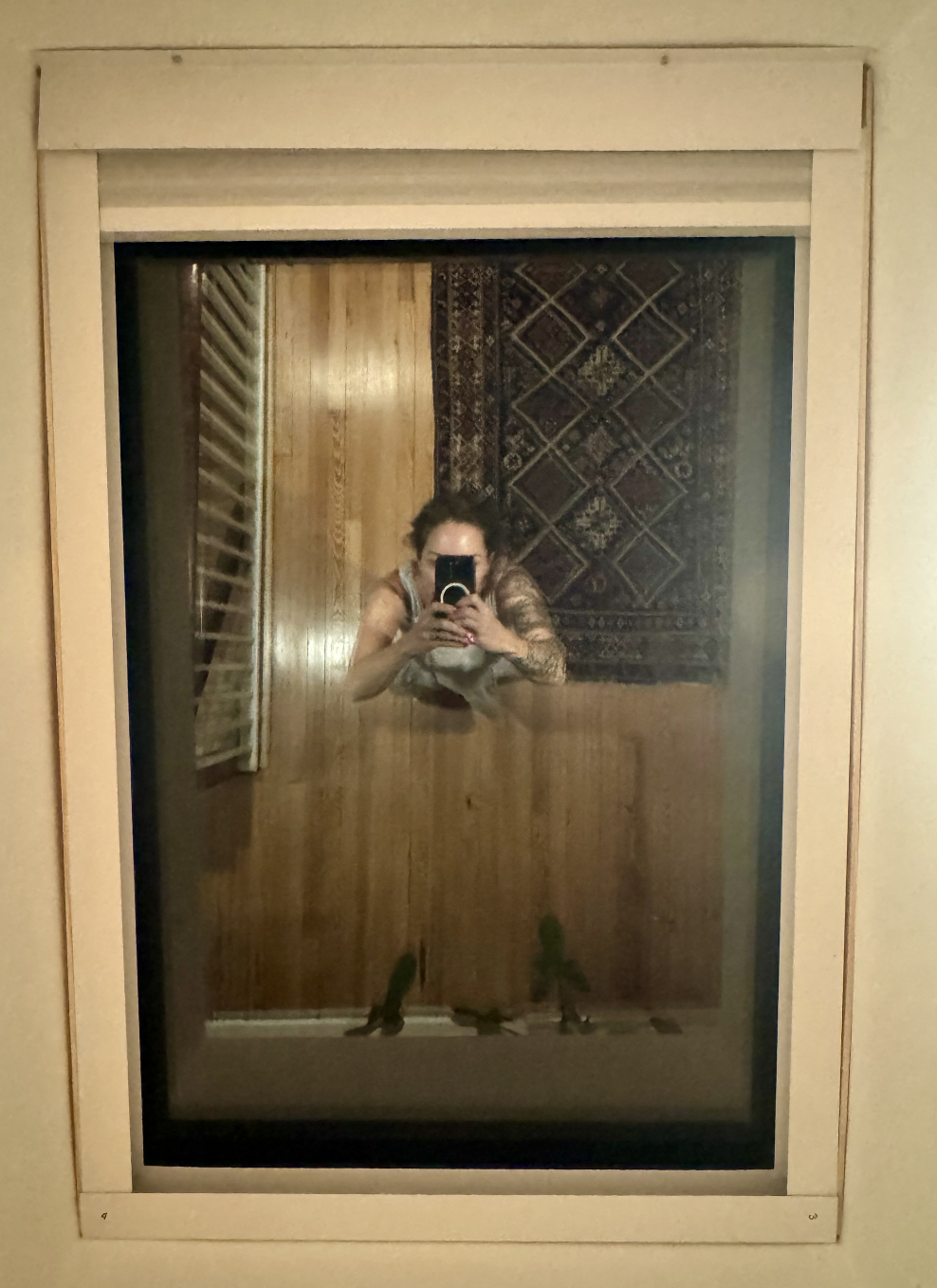
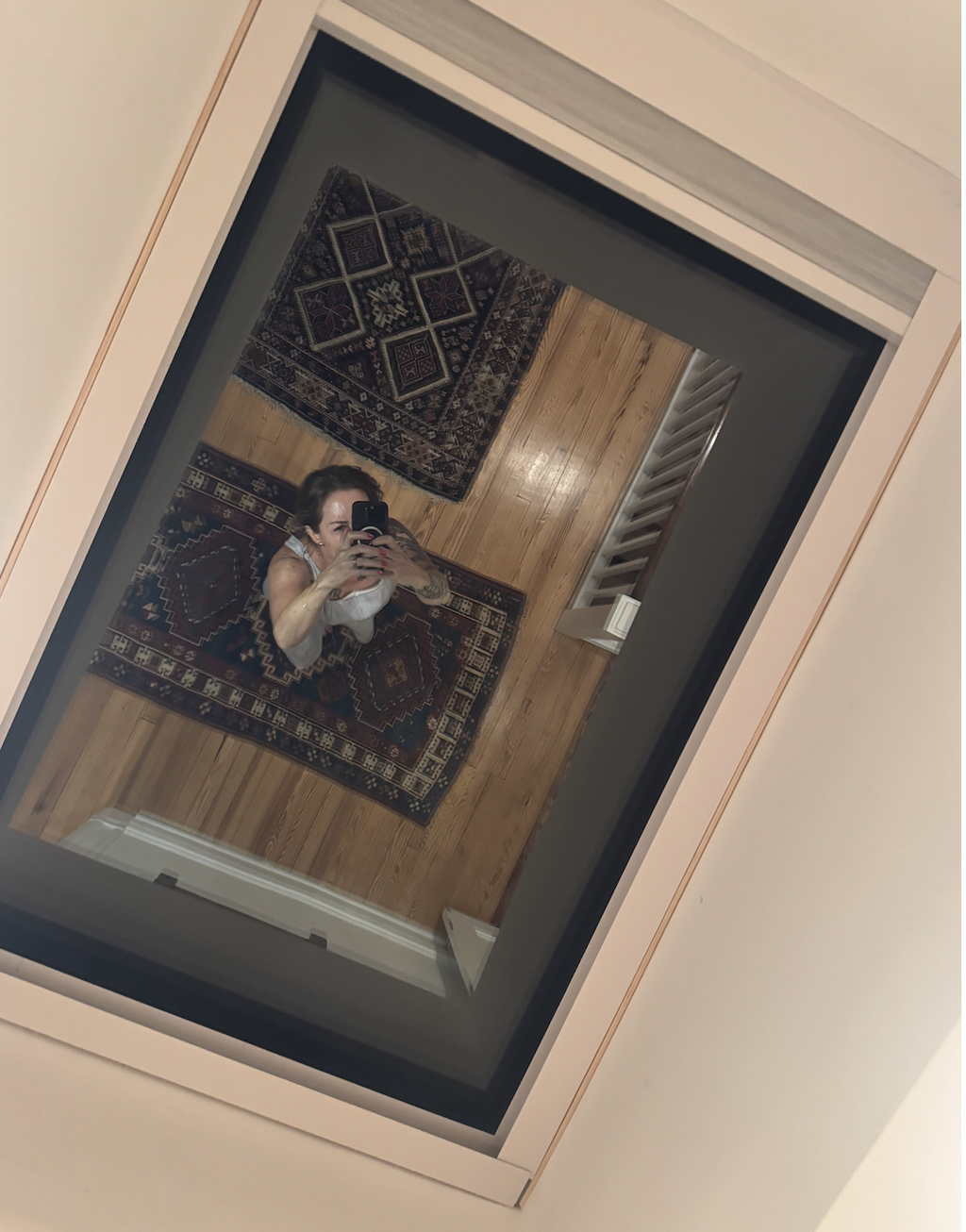
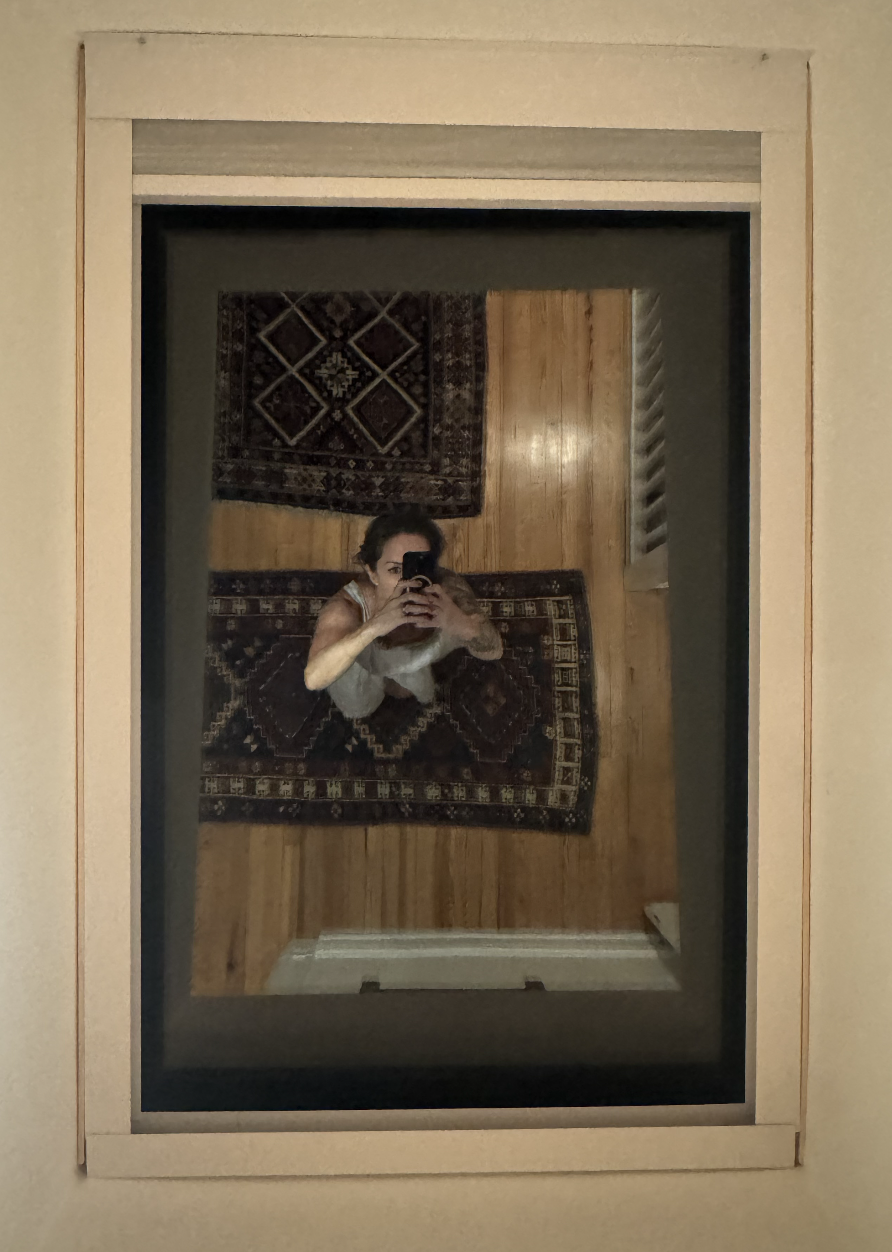
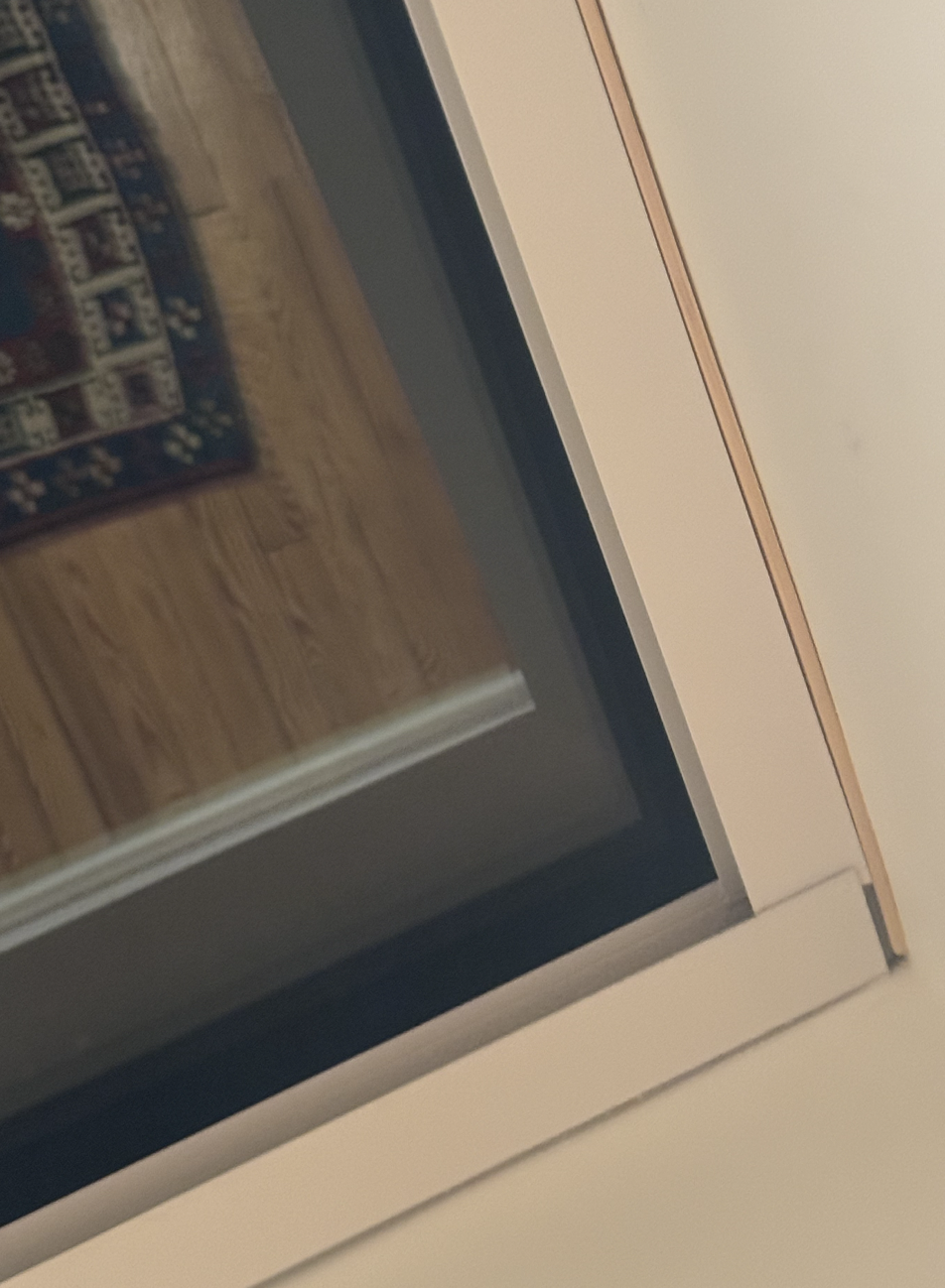
Thank you very much for your honest and objective review. We sincerely appreciate you taking the time to share your experience.
We reviewed the photos you uploaded, and we’re truly sorry for the frustration and inconvenience this installation caused you. We also want to provide some context regarding the fit based on what we can see in your photos.
It appears that the head rail is slightly shorter, while the bottom rail fits the opening properly. This is because the top of the window opening is slightly wider than the lower section. For skylight shades, we have to use the smallest measurement to ensure the shade can fit properly within the entire opening. As a result, when the opening is not perfectly uniform, there can sometimes be a small gap at the wider section.
That said, we completely understand your concern about the appearance, especially after having your contractor come out twice. We’re sorry that the final result did not meet your expectations.
Most importantly, thank you again for leaving a three-star review and for being so honest. We genuinely appreciate it—even when the feedback is critical. Reviews like yours provide useful and realistic information for other customers and also help us identify areas where we need to improve.
We’re glad to hear that the solar panels are working well, and we appreciate your recognition of our customer service as well.
Thank you again for your feedback and for giving us the opportunity to improve.
Best regards,
Kurlax
Good quality and very easy install. 3 skylights with 4 feet between. Only issue was label on shade 2 and 3 were switched which added some time to the install. Once I figured that out everything went smoothly.
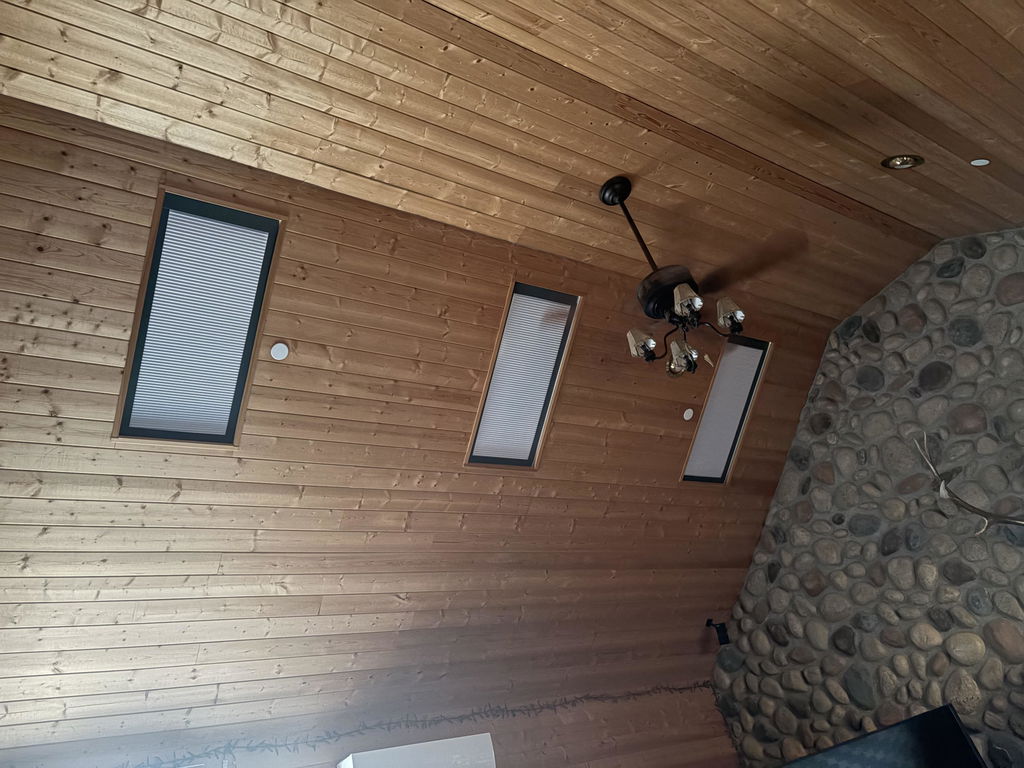
Hi there! Thanks for sharing your experience. We're glad you found the shades easy to install and appreciate your feedback about the labels. If you need any assistance in the future, we're here to help!
Sky light automatic blind black out
We ordered the 120 volt model with remote control. The power cable is very small about 1/8" diameter Great for hiding! The directions are almost terrible they have pics but not descriptive enough. and the trim piece that covers the top with motor has no fasteners to hold it in place. In my case the blind is on the ceiling to cover skylight so I put Velcro stickies on it to hold it. The blind overall is excellent it was exact size I ordered, silent operation and the remote is one touch to close and open and you can stop the blind any time in place like if you only want to close it halfway with a touch of a button
Thank you for taking the time to leave such a detailed review! We're delighted to hear that you're happy with the blackout shade, the precise custom fit, its quiet operation, and the convenience of the remote control.
We also appreciate your feedback about the installation instructions. We'll continue working to make them clearer and more detailed to improve the installation experience.
Regarding the decorative top cover, it should have been shipped with the mounting screws needed to secure it in place. We apologize if they were missing. If you need any assistance, please don't hesitate to contact us—we'll be happy to help.
Thank you again for choosing Kurlax. We truly appreciate your support!
The shades look good and work well so far; they appear to be a good quality product. Purchasing the shades was annoying; there was a great deal of intentional ambiguity and confusion about what the final price would be. Having separate instructions accessed in different ways for each element of the system (shade, motor, remote) complicted the installation process.
Hi John, thank you for your feedback. We're glad you like the shades, and we appreciate your suggestions on improving our instructions and pricing clarity. We'll work on making these aspects better for future customers!
The skylight shades are doing a great job and are good looking. Instructions could be more detailed
Thank you for your wonderful feedback! We're so glad to hear that you're happy with the look and performance of your skylight shades. We also appreciate your suggestion about the instructions. We'll share your feedback with our team and work on making our installation guide clearer and more detailed. Thank you for helping us improve, and we hope you continue to enjoy your new shades!
The installation had some drawbacks, and I found that pre-assembling the frame and shade and then securing it with shipping tape before installation made the process much easier
I am very happy with the performance the look and the quietness of the shades my skylights were way overdue
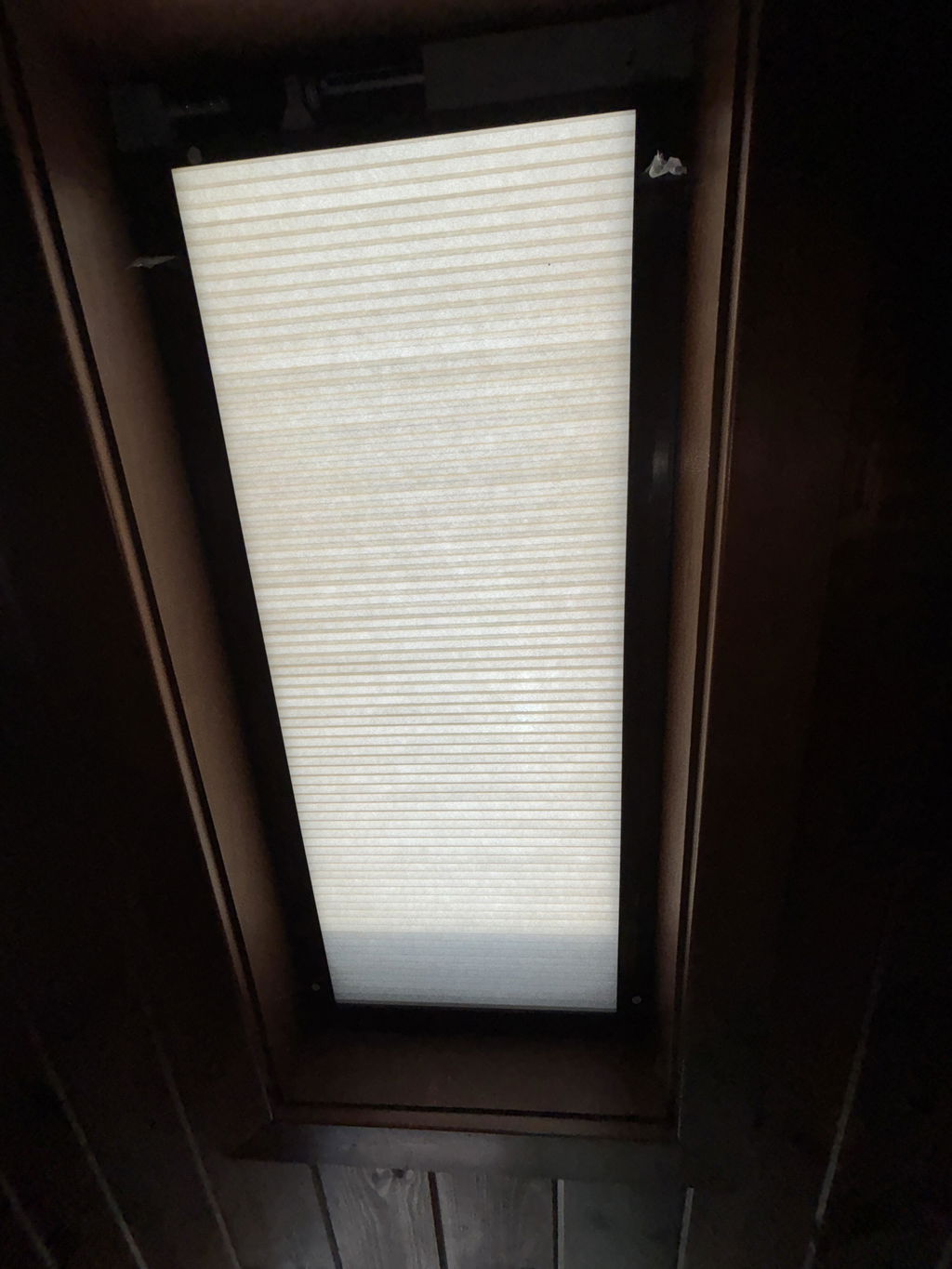
Hi Robert, thank you for your kind words! We're glad the shades are making your space more comfortable and that the pre-assembly tip was helpful. Enjoy your skylights!
Good quality but inconvenient for battery recharging.
The design has no facility to access the batteries charge port without taking off parts of the assembly.
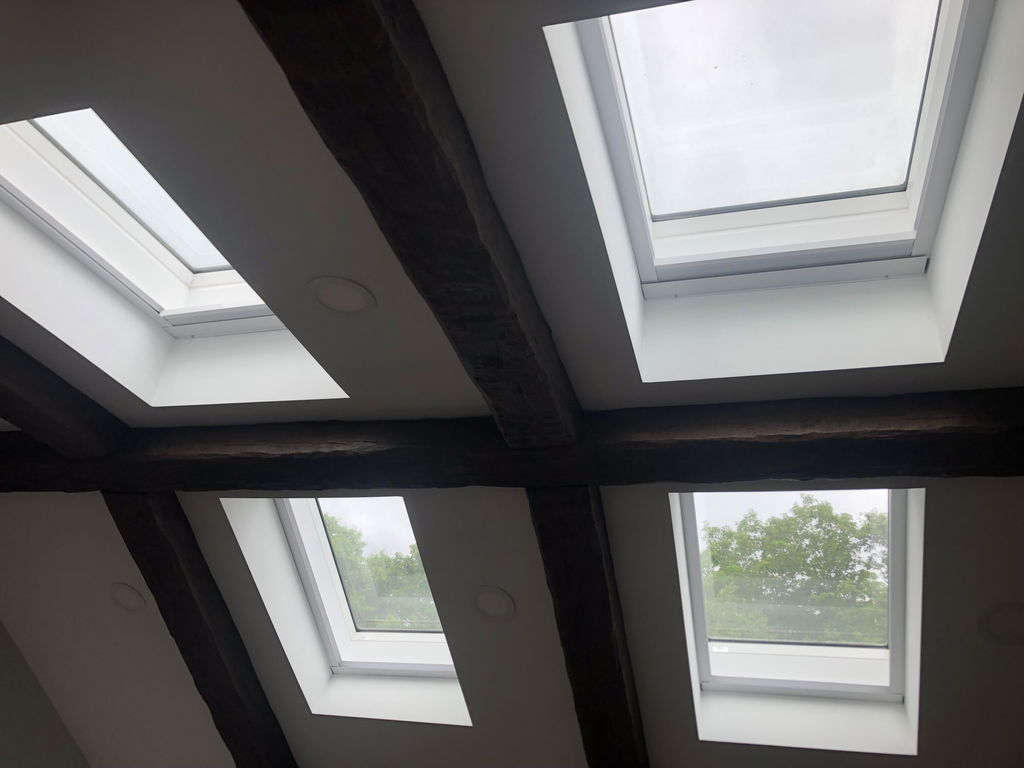
Thank you for your valuable feedback. We completely agree with your point, and we are already working hard to improve this design so that future versions won't require any disassembly for charging.
As a quick note, the battery only takes 4 to 6 hours to fully charge and will last for 4 to 6 months of continuous use, so we hope this limits how often you have to deal with this inconvenience.
In the meantime, here are two workarounds that might make charging much easier for you:
1. Solar Power: You can connect a solar panel to provide continuous power to the unit.
2. Type-C Extension Cable: You can use a Type-C extension cable to leave the port permanently accessible.
Thank you again for helping us improve.
Best regards,
Kurlax
Perfect for my skylights window, easy installation
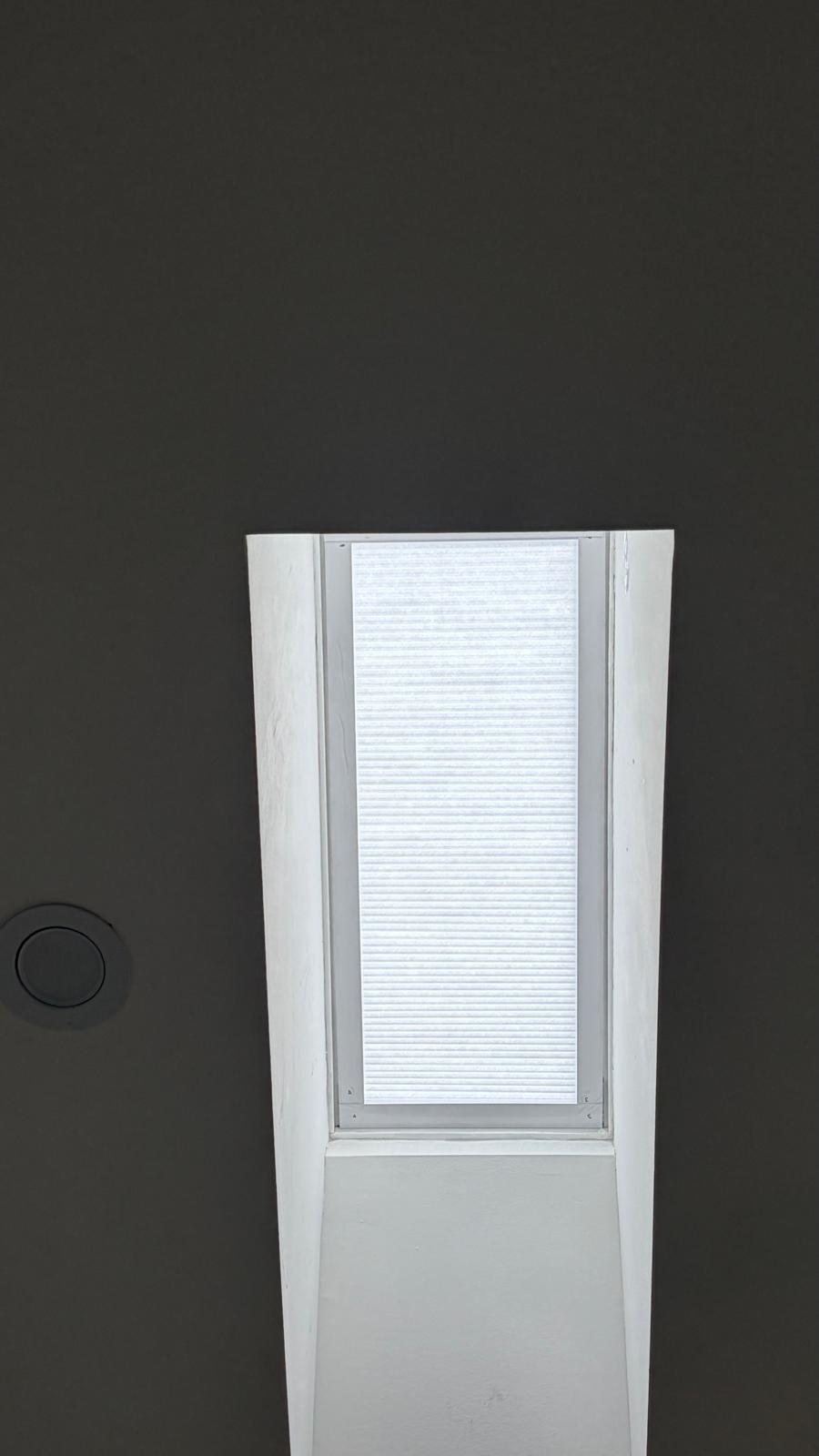
Thank you for your feedback! We’re so glad to hear the skylight shades fit your windows perfectly and that the installation was easy. We truly appreciate your support and hope you enjoy them for years to come!
Kurlax
Good product and easy to install. However, there were some details during the installation that were not very clear which led to annoying moments and cosmetic damages to the frame.
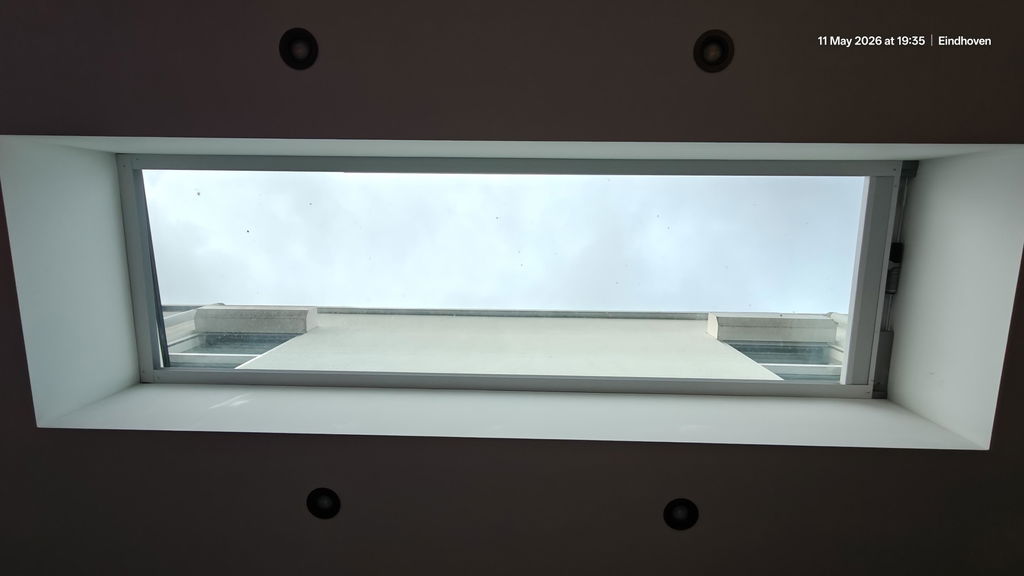
Thank you very much for your honest feedback and for taking the time to leave reviews for multiple products. We’re very happy to hear that you found the products good and easy to install overall.
We understand that there was some confusion during the installation process, especially with the Smart Bridge and motor pairing. You are absolutely right, and we will improve our installation instructions to clearly remind customers that if they purchase a Smart Bridge, the pairing should be completed before installing the shades to avoid unnecessary trouble afterward.
We will also update our guides to remind customers to first confirm the solar panel location and complete the solar panel installation before mounting the shades.
Even though this was a 3-star review, we truly appreciate your support and constructive feedback. Comments like yours help us continue improving both our products and installation experience.
Also, your home renovation looks absolutely beautiful — very elegant and high-end.
Thank you again for your support!
Easy to fit and to use. I would buy again
Thank you so much for your kind review! We’re delighted to hear that you found the shades easy to install and use. We really appreciate your support and would love to serve you again in the future!
We love it we use it every day. The measurement was perfect and I love the solar panel that charges the battery.
Thank you so much for your wonderful review! We’re thrilled to hear that you’re enjoying your shade every day and that the measurements worked out perfectly. We’re also glad you’re loving the solar panel—it’s a great way to keep the battery charged with minimal maintenance. We truly appreciate your support!